
While Sterling Technology is part of the TransPerfect family, TransPerfect users are still required to complete the registration process.
Registration
To register with Sterling follow below steps:
-
Open Welcome Email: Look for an email from Sterling Technology and click the registration link inside.
-
Register with Sterling: Fill in the required fields to complete your registration.
-
Account Registered: After completing the process and receiving a confirmation prompt that your account was registered successfully, click the 'Go to Projects' button.
-
Access Projects: Once in the ‘Projects’ page click on the desired project to access it.

Login
To login into Sterling follow below steps:
If you are new to Sterling, you will need to register and create a password before logging in to access your project
-
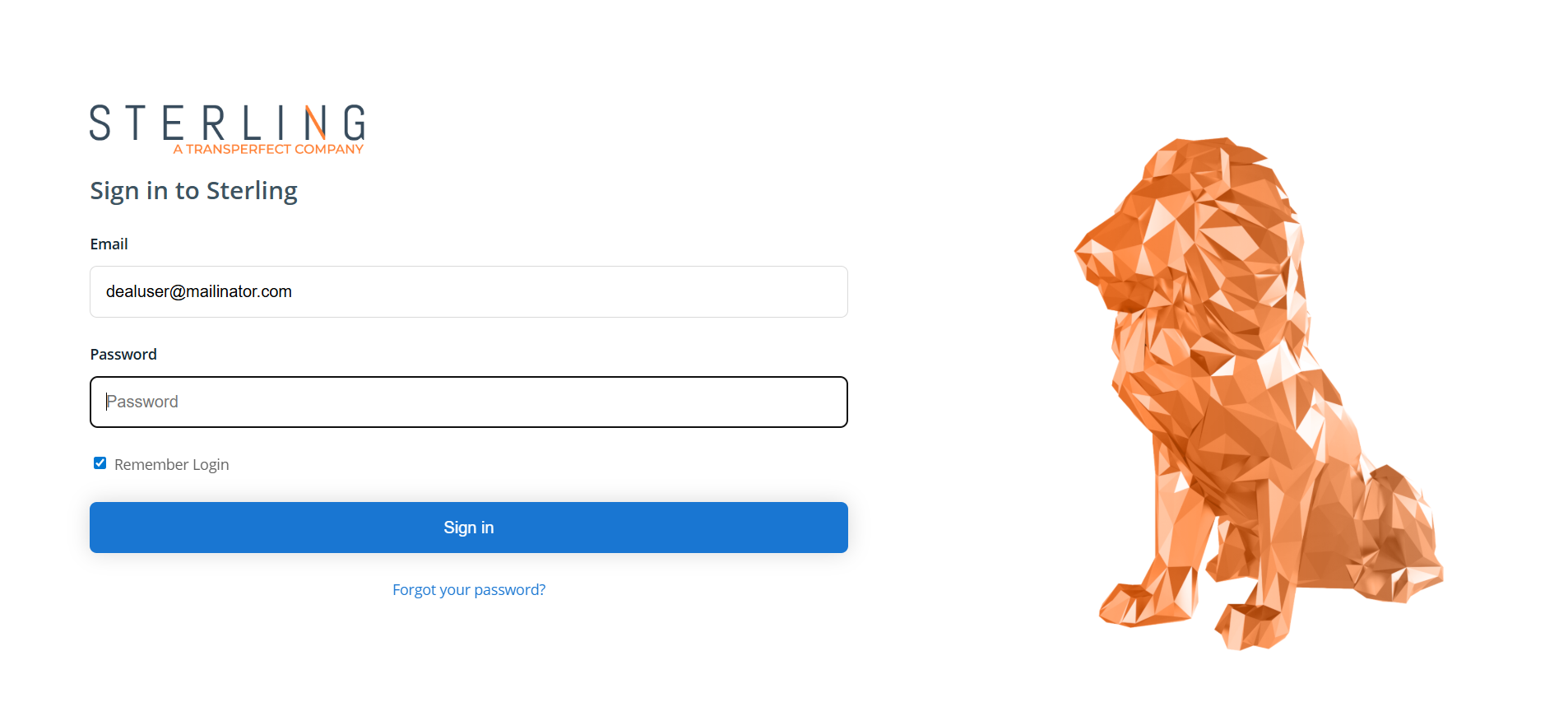
Open Login Page: Navigate to https://sterling.transperfect.com/
-
Log In: Enter your e-mail address and password, then click 'Sign in.'
-
Browser Authentication: Verify your browser by entering the code that was sent to your e-mail and mobile number.
-
Navigate to Projects Page: After successful login you will be directed to the ‘Projects’ page, where you will find the projects you have been invited to join.
-
Access Project: Once in the ‘Projects’ page click on the desired project to access it.
-
Review Terms (where applicable): Before proceeding, ensure to carefully read the Disclaimer. Your agreement will be required to continue.
-
Project Dashboard: After accessing the project, the Dashboard page will open, where you can access the project overview and valuable document statistics.