To add documents to the favourites, follow the steps below.
-
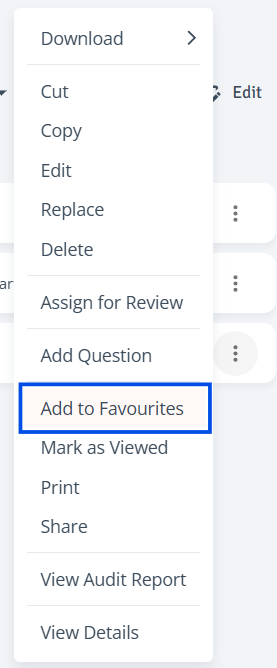
Select Document: In the Index tree, click the three-dot menu next to the document and select ‘Add to Favourites’.
-
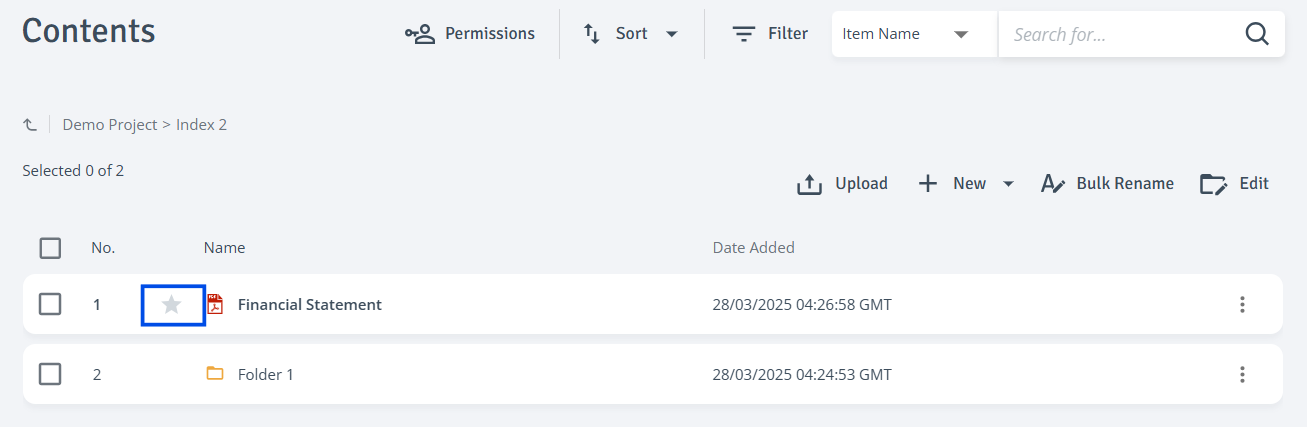
Add Single Item: In the Contents table on the right, click the star icon next to the document title and the item will be added to the ‘Favourites’.
-
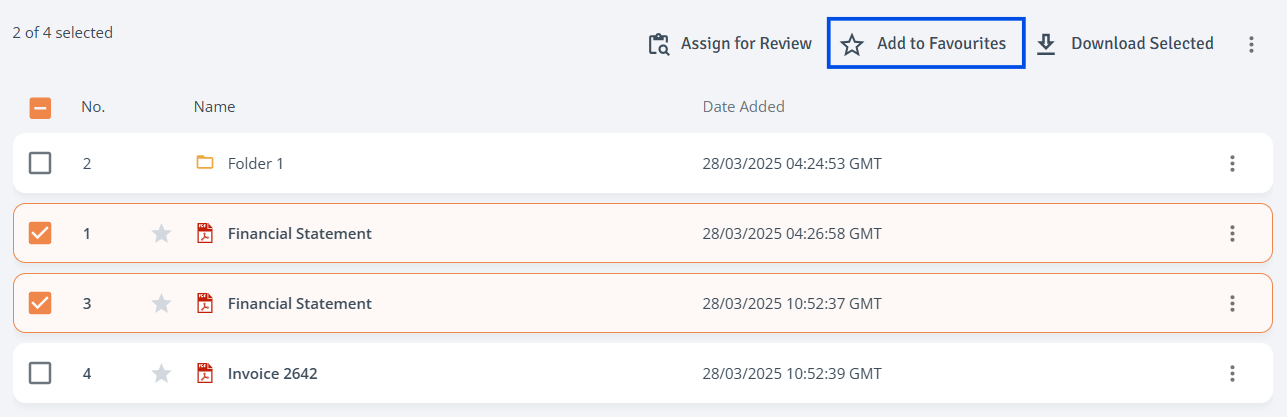
Add Multiple Items: In the Contents table on the right, use the checkboxes to select documents, then select ‘Add to Favourites’ ‘at the top of the Contents table. The items will be added to the ‘Favourites’