Index changes will be visible to users only after the Session is published, applicable if Sessions are enabled at the Project level.
To rename a document, follow the steps below.
-
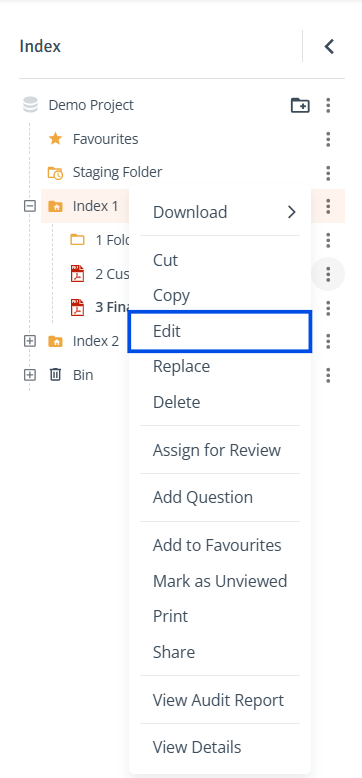
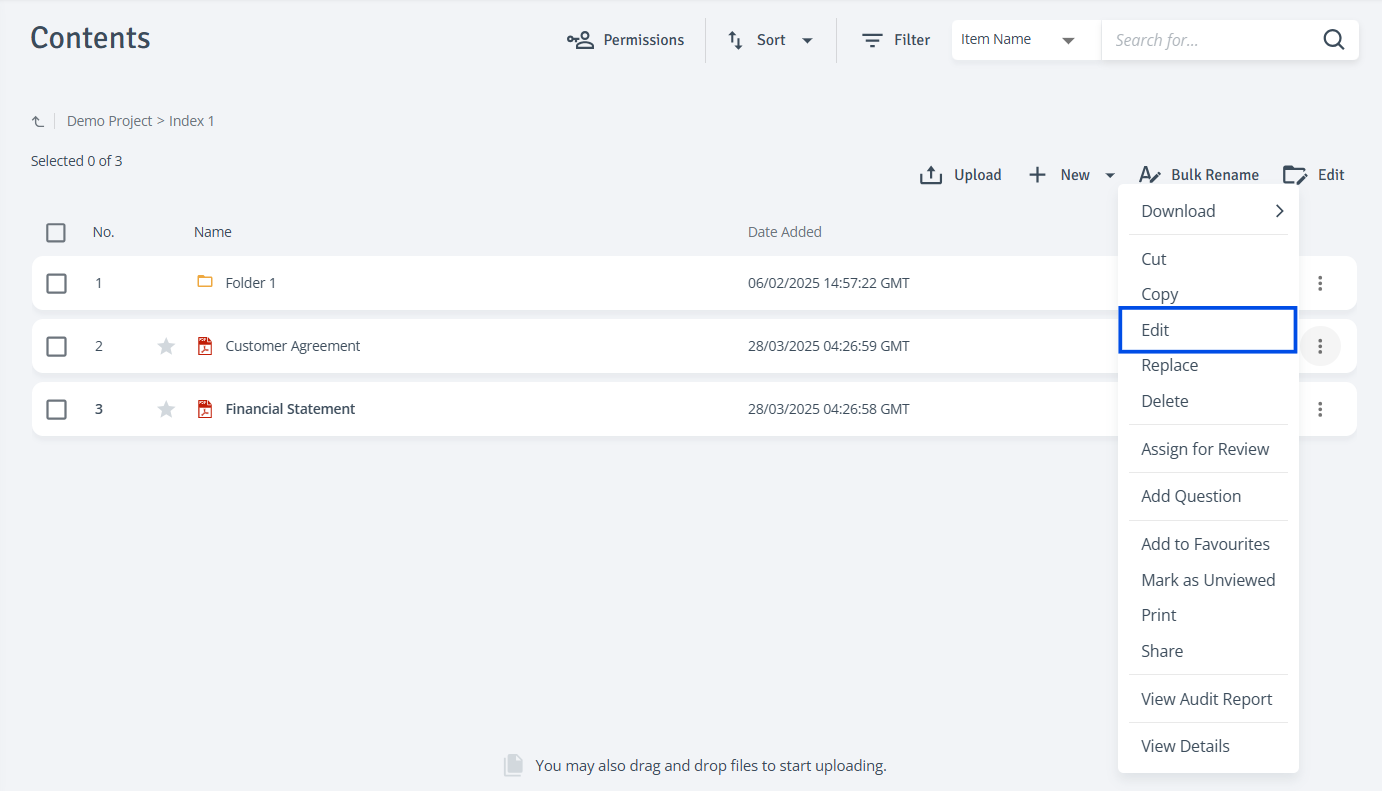
Access Edit: In the Index tree or the Contents table on the right, click the three-dot menu next to the document and select ‘Edit'.
-
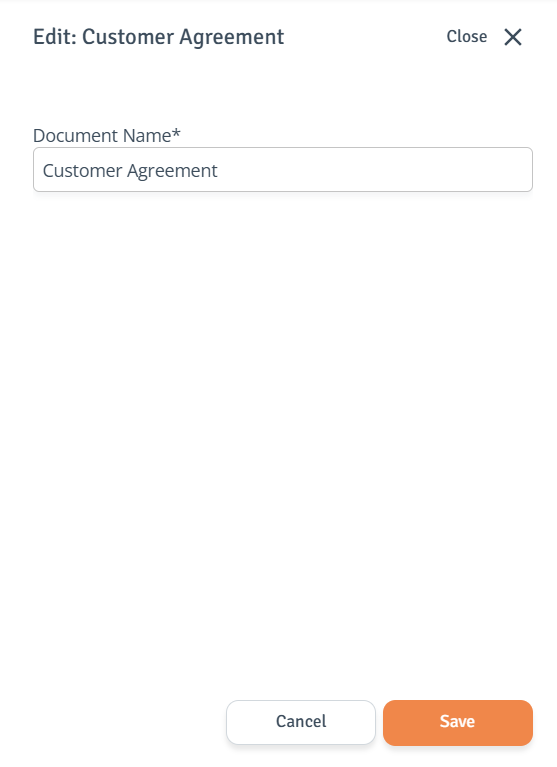
Rename Document: The side drawer will open where you can modify the document’s name and click ‘Save’ to confirm your changes.