
The Print option is available only to users with Print permission.
To print a document, follow the steps below.
-
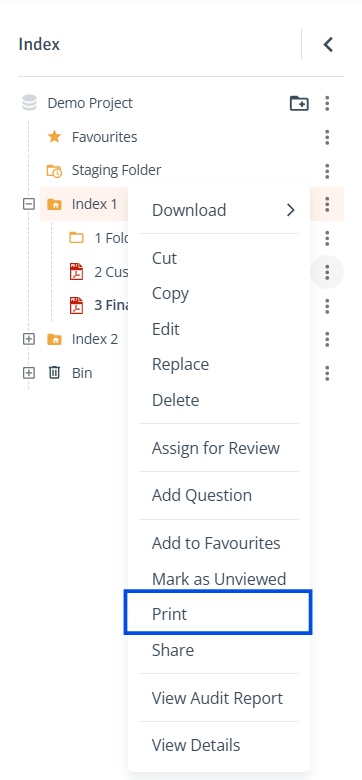
Locate Document: In the Index tree or the Contents table on the right, click the three-dot menu next to the document and select 'Print'.
-
Print in New Window: The document will open in a new browser window. Click the 'print' icon at the top right to print your document.